
Create
site.com/to/sale


BRANDED SHORT LINKS FOR WORDPRESS
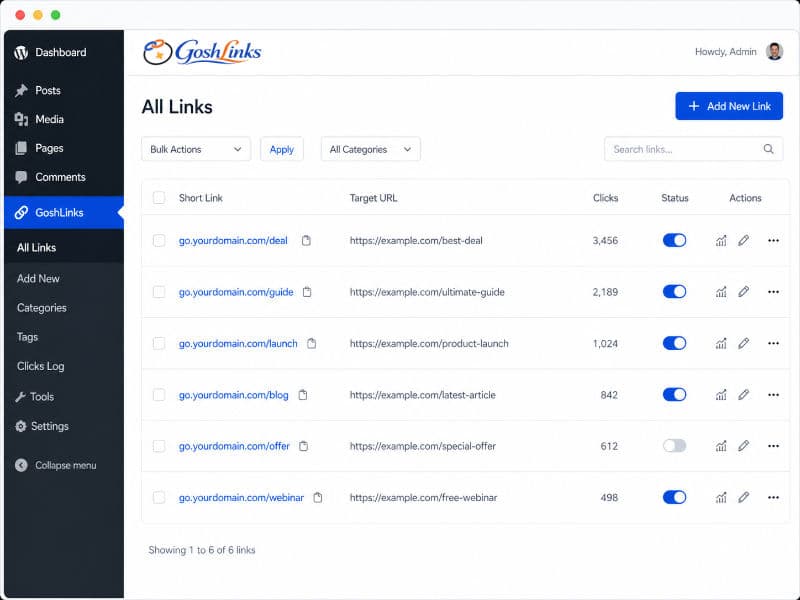
Create, manage, and track short links directly inside WordPress. Build more trust with branded links on your own domain, keep the same short link even when the destination changes, and unlock advanced links, reporting, bulk editing, and YOURLS migration when you need more control.
No more ugly long links

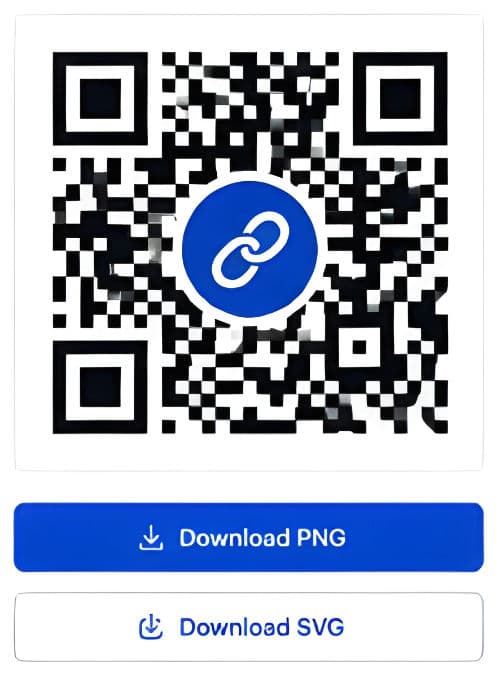
Share links anywhere
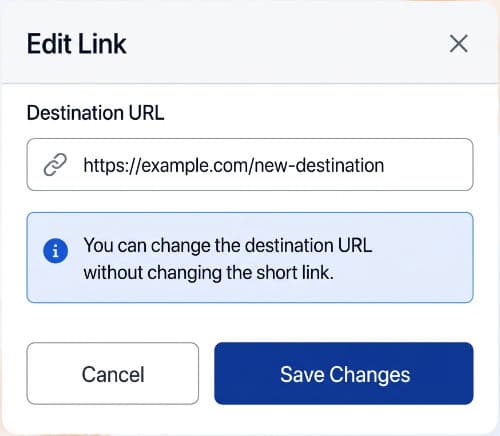
No more dead links
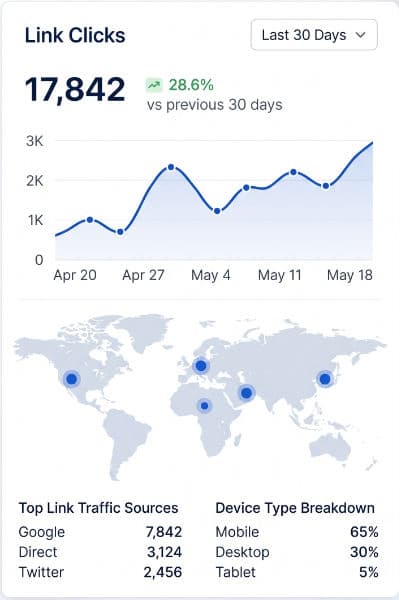
See which links are working
All your branded links. Managed securely. Right where you work.
HOW IT WORKS
Adding the plugin to your WordPress site is as easy as upload > activate.
Add a destination, give the link a name, eg. yourbrand.com/go/specials
Add your branded link to blogs, newsletters, socials, etc.
Unlock advanced links, reporting, bulk editing, and advanced export when your workflow grows
Free is useful from day one. Pro adds deeper control when you are ready.
SEE GOSHLINKS IN ACTION
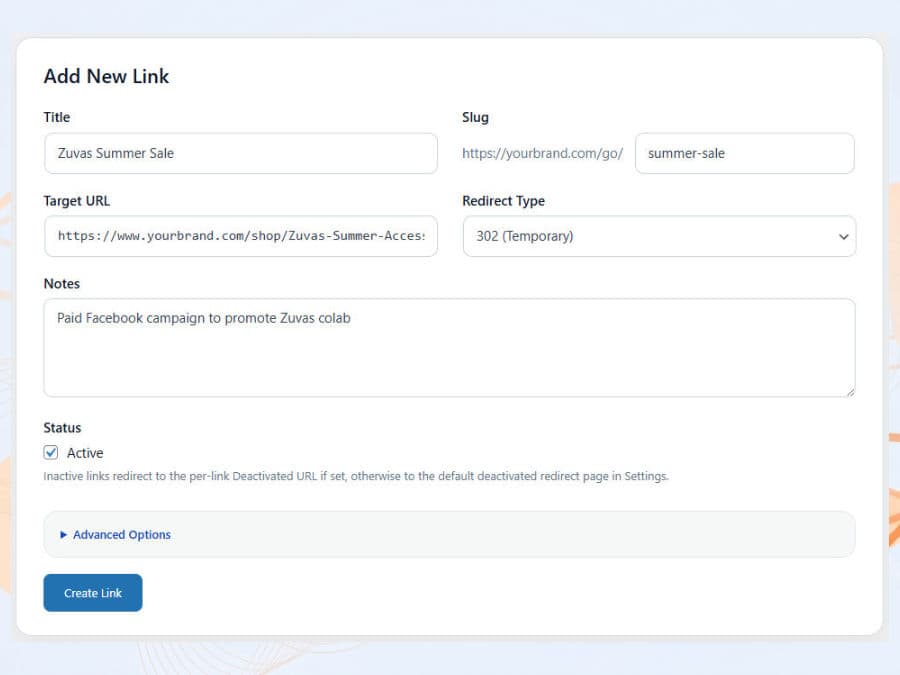
Create a branded short link in seconds. Choose your slug, set the destination URL, pick the redirect type, add notes, and activate the link.
Simple, honest pricing for managing branded short links inside WordPress.
1 website
Core branded short-link management for one website.
5 websites
or $47 / year · or $97 one-time
Advanced control, reporting, bulk editing, and migration tools.
Unlimited websites
or $997 / year
Everything in Pro, built for managing links across more websites.
30 day money back guarantee on all paid plans
FAQ
GoshLinks lets you create branded short links on your own domain, manage where those links redirect, track clicks, and handle everything directly inside WordPress.
Free includes the essentials for one website, including short-link creation and editing, 301 and 302 redirects, basic settings, and basic click totals.
Pro includes everything in Free, plus advanced links, bulk editing, advanced stats, data tools, advanced export, and YOURLS import.
You can update the destination URL without changing the short link you already shared. That helps keep your links active even when products, pages, or offers change. No more dead links and lost business. No need to update multiple blog pages, etc.
Yes. GoshLinks includes YOURLS import in Pro, so you can move links and related data into a more WordPress-native workflow.
Yes. GoshLinks is built around branded short links on your own website, rather than sending users through a generic shortener domain.
No. GoshLinks is a self-hosted WordPress-native solution, so you manage your branded links inside WordPress rather than relying on another short-link platform.
GoshLinks is built for WordPress site owners who want more control over branded short links, including businesses, bloggers, affiliate marketers, agencies, and site owners moving away from YOURLS.
GET STARTED
Begin with Free, then unlock more control, reporting, and YOURLS import when you need it.
No external short-link platform required.